
As a hopeless Linux-A-Holic I spend my life in Terminal.
However on OSX Sequoia it drove me Bat Sheep crazy that key repeat would not work when in the VI editor using the letter J and K.
I tried numerous ‘fixes’ and the only solution that I found that worked was the following:
Open iTerm2 and sudo to root
defaults write -g ApplePressAndHoldEnabled -bool false
Modify the key repeat speed for a shorter delay
defaults write -g InitialKeyRepeat -int 10
Restart Terminal.
I use Devolutions Remote Desktop Manager and the above did not work.
With RDM I had to upgrade to a later version and disable on-hold suggestions via the UI
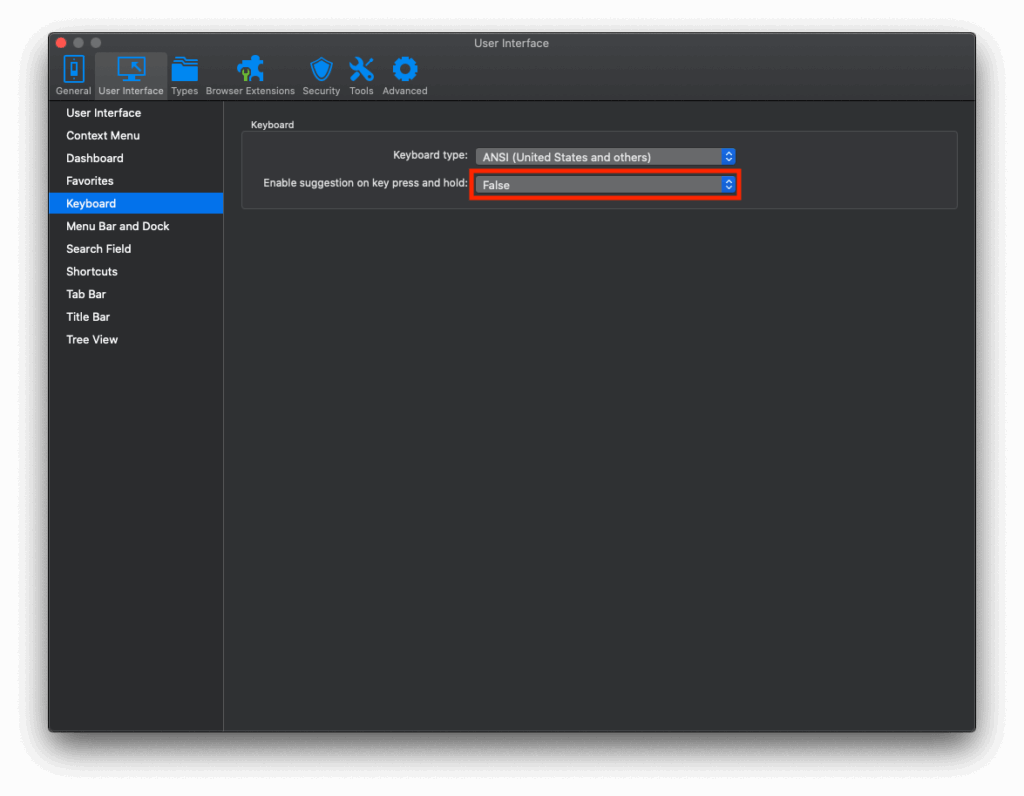
The above was discussed in the following Tech Article on their website